
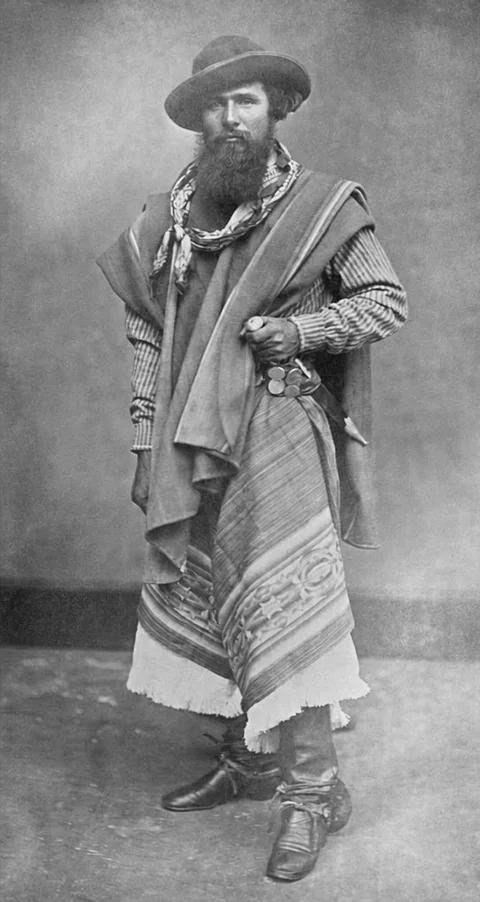
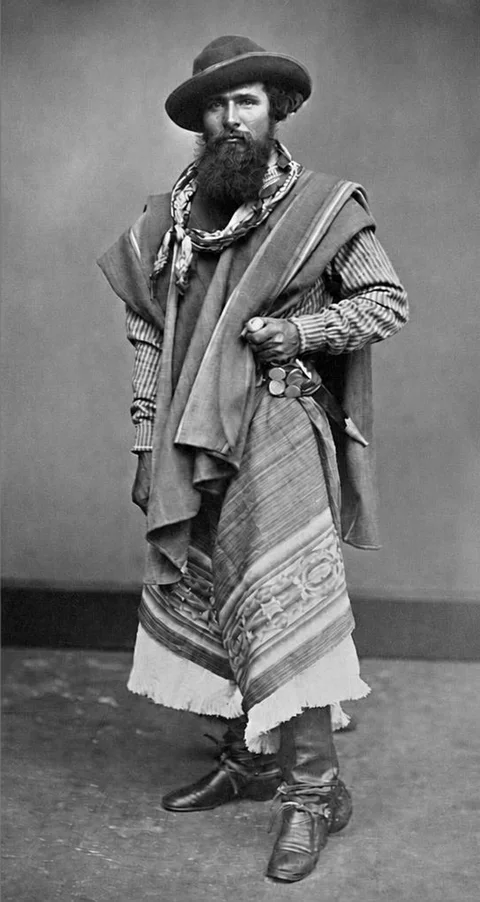
Faithful
A faded portrait
Public-domain portrait with simulated patchy fading from age and light exposure. AI restoration uses this faded input.
Public-domain sourceRepair tears, remove scratches, and bring natural color to black-and-white photos in one restoration. Keep the familiar faces and memories close.
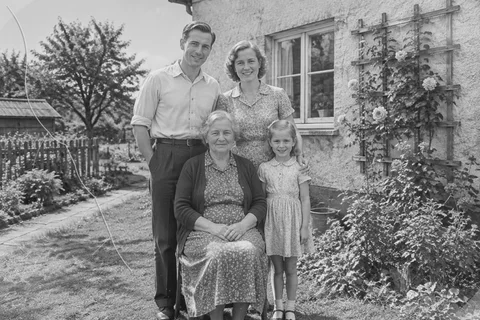
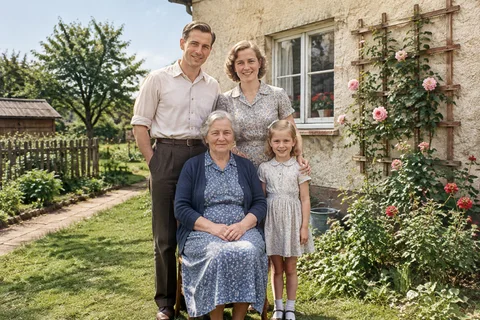
We automatically crop clear photo borders. You can adjust the result anytime.
Compare uneven fading, creases, and torn edges. Drag the line: before on the left, after on the right.
View all examplesPublic-domain portrait with simulated patchy fading from age and light exposure. AI restoration uses this faded input.
Public-domain source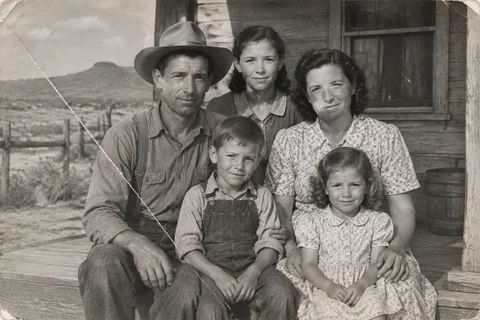
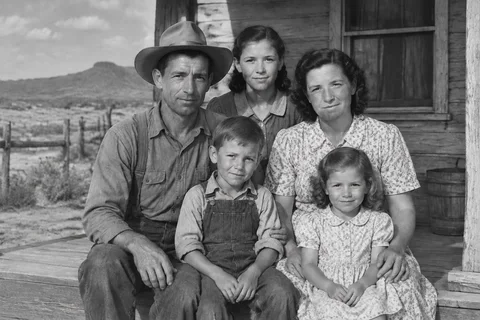
AI-generated 1940s American family scene with simulated scratches and creases. The repair was generated from this damaged image.
AI-generated scene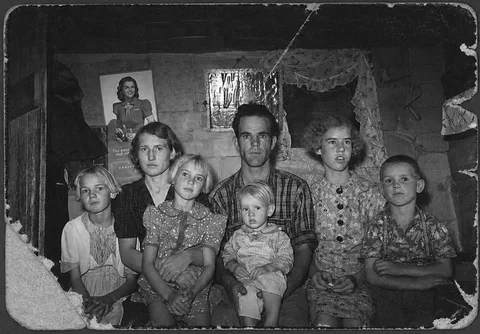
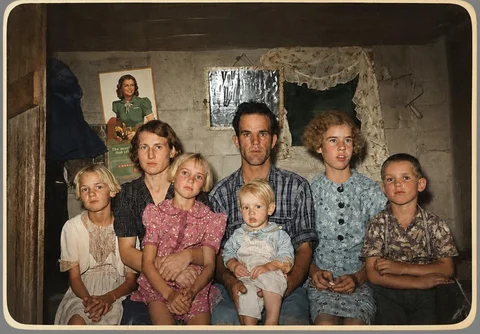
Public-domain photo with simulated irregular edge tears and paper loss. Color and rebuilt areas are AI interpretations.
Public-domain sourceChoose a scan or phone photo. Your original remains untouched.
Pick a careful or complete repair and add any colors or details you remember.
Inspect the full frame, then download, adjust, or start another photograph.
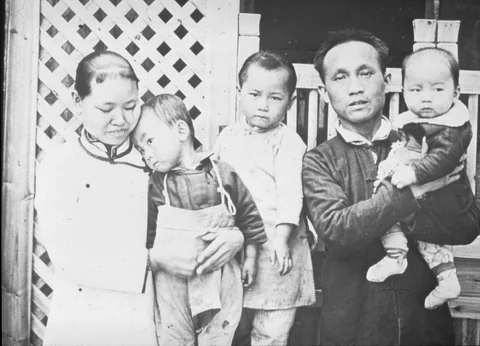
Old photos carry more than faces. They carry the paper texture, the soft focus, the little imperfections that make a moment feel real. Our restoration flow is designed to improve what time has obscured without sanding away what makes the image yours.
Preserve the person. Identity and expression come before polish.
Explain the guess. We explain that color and reconstructed details are AI interpretations, not verified facts.
Leave you in control. Compare, adjust, download, or start over whenever you like.
PhotoMend offers two clear modes because a lightly faded portrait and a torn photograph should not be treated the same way.
Repairs fading, noise, blur, and small scratches while changing as little as possible.
Repairs damage and missing areas, reduces blur and grain, and restores a clearer, cleaner photo.
Colors and missing details are AI interpretations, not verified historical facts.
Whether you are making a family archive or framing one portrait for the hallway, PhotoMend gives you a thoughtful place to begin.
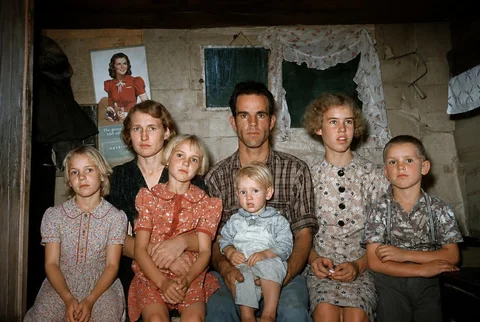
Restore a handful at a time, compare the results, and build a digital starting point for the next generation.
Start freeUse Faithful Restore when the smallest details matter most.
See portrait examples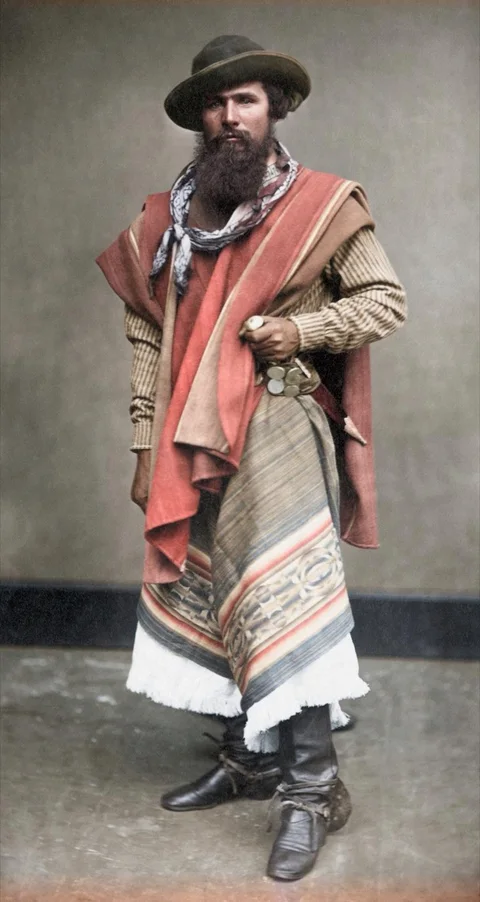
Share a repaired photo with the context you know, while keeping interpretation honest.
How we handle uncertaintySee your restored photo with a watermark before deciding to pay.
Generate a watermarked preview for free. Pay only when you want to keep that result.
Review the final total in Stripe before paying.
Restoration should feel understandable, especially when the image cannot be replaced.
Yes. You can generate and inspect a watermarked preview without an account. Unlock one result for $1.99 to download watermark-free JPG and PNG files and receive the JPG by email.
Identity preservation is the highest priority, but generative restoration can still change small details. Use Faithful Restore for a mostly intact photograph and compare the face carefully before keeping the result.
They are natural, era-aware interpretations. If you know a dress, car, wall, or uniform color, add that information before restoring.
The original file is never overwritten. This beta processes it for your active request and does not create a permanent PhotoMend photo library.
Yes. Full Restore can reconstruct visible tears and missing areas from the surrounding scene. Those reconstructed details are plausible rather than verified facts.
JPG, PNG, WebP, and HEIC files up to 20 MB work well. A clear scan or a phone photo taken in even light usually gives the best starting point.
No. PhotoMend can make a natural suggestion, and the optional facts field lets you guide it when you know something specific about a uniform, dress, car, or room.
Four guides, one careful way to begin: protect the original and make every edit a choice.
Prepare, scan, name, and back up family photographs without risking the original.
Learn what digital repair can do, when to protect the physical print, and why reconstructed details are interpretations.
Use context to guide a colorized version, review uncertain details, and keep the original image intact.
A practical checklist for checking identity, structure, text, texture, and reconstructed areas.